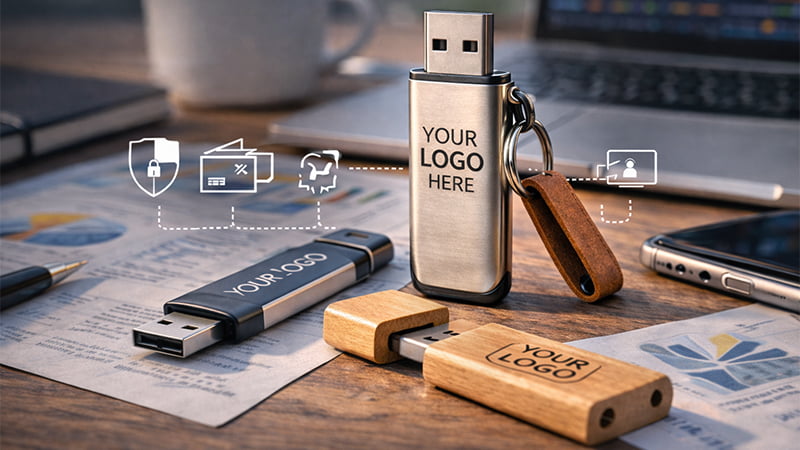

The world has shifted toward cloud storage, which can get you wondering, “Are USB flash drives still relevant?”
Mordor Intelligence projects the flash drive market to reach $6.35 billion in 2026, because of the increasing need for secure storage, far from cloud threats.
But maintaining security is just one of the many ways businesses still use USB flash drives in 2026. We’ll explore more shortly.
Flash Drive vs Thumb Drive vs USB Memory Stick: What’s the Difference?
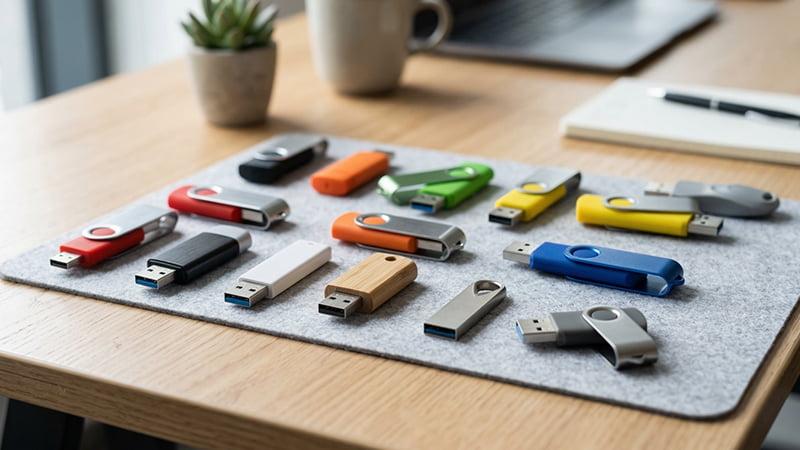
1Flash drives, thumb drives, and USB sticks all refer to the same thing: a small, portable device that stores data and enables transfer.
They are what replaced floppy disks, bringing with them higher storage capacities, faster speeds, and better portability.
The Flash Drive Functionality
The name “flash drive” comes from the type of memory in the device, which, for most USB drives, is the NAND flash memory. While volatile options like RAM lose data when unplugged, NAND flash memory retains data even when not connected to a power source.
The drive uses a USB plug, which inserts into a USB port and creates a USB connection. This is where the name “USB flash drive” comes from.
We have different versions, USB-A, USB-C, dual, etc., and they determine the speed and device compatibility of the drive.
Besides the USB port and the flash memory, flash drives have a controller, which is the brain. It controls the USB interface, data storage and retrieval, and manages how the device writes data to the flash memory.
Some also call this same device, a “thumb drive”, “pen drive”, “USB key“, or “jump drive”.
The names vary but the function is the same. What matters most is the quality, storage capacity, write speed, and the durability.
Why Does USB Build Quality Matter More?
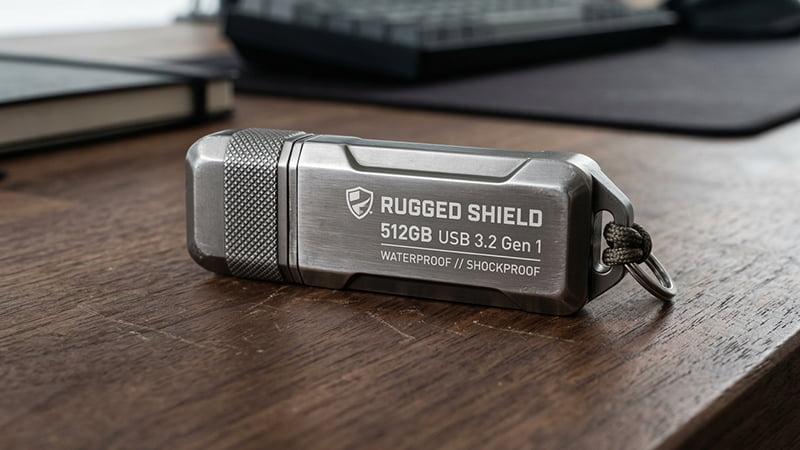
Traditional hard drives contained spinning components, which would wear out easily. But USB flash drives don’t. They are solid-state devices with no moving parts, making them more durable and reliable.
That said, these devices are sometimes used daily; inserted, removed, and transported from one computer to another, putting them under a lot of stress.
A drive with thin casing or weak connectors cannot survive such handling. After a few uses, it will crack, loosen or just fail to work.
For this reason, it’s important to consider the physical build of the drive just as much as you consider the storage capacity and brand.
6 Ways Businesses Use USB Flash Drives in 2026
1. Security: Air-Gapped Security and Controlled Transfers
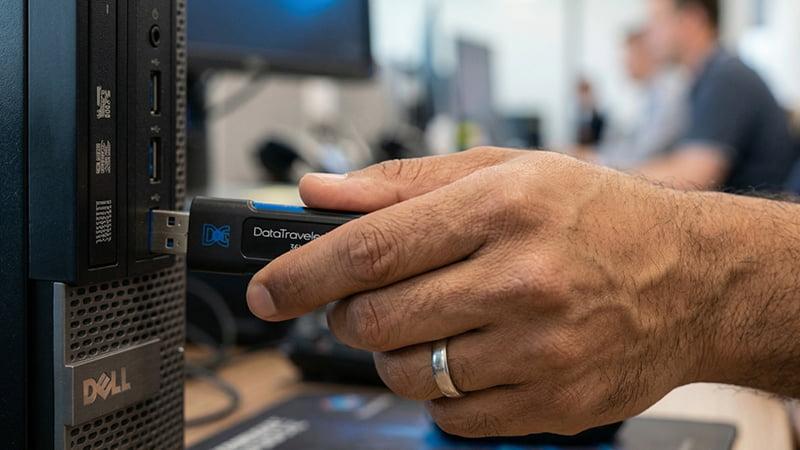
USB flash drives are still the most reliable choice for data transfer and storage in environments where computers remain offline intentionally.
Such systems are called air-gapped and they often hold sensitive information that, if leaked, can cause significant damage. For this reason, they can’t be uploaded to the cloud and risk all the vulnerabilities that come with it.
You’ll find this more commonly in industries such as healthcare, research labs, and manufacturing plants, and technicians transfer files and store data using USB drives.
Of course, not all flash drives are safe; a corrupted one can contain malicious code that can mess with your data. It’s because of this that frameworks like NIST (National Institute of Standards and Technology) recommend using approved storage devices only, routine scanning, and encryption when necessary.
2. Continuous Workflow: Industrial and OT Workflows

With proper maintenance, flash drives rarely break down, unlike the internet, which can break down and halt operations anytime.
It’s for this reason that most factories prefer USB drives since they are more reliable and less vulnerable to external interference.
Besides, in most industrial environments, the software is of older versions and they cannot access the internet. Some areas also have low network connectivity, making cloud storage or transfers an unpredictable option.
Some of the risks of using USB flash drives for operations, are malfunctioning connectors and corrupted files. You can easily avoid this by going for high-quality USB drives, testing updates in staging environments and restricting device types on industrial computers.
3. Marketing: Premium Brand Experiences for High-Value B2B Outreach
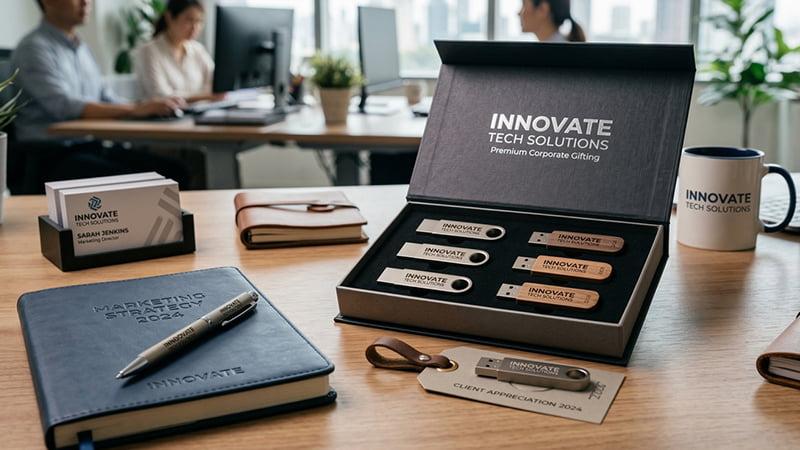
On a lighter note, companies are using flash drives as a premium marketing tool for high-value leads and event giveaways.
They preload these drives with catalogs, live content and large media files, giving the viewer a more tangible interaction with the company’s services or products.
This is a less overwhelming or redundant alternative to the several proposals and emails decision makers receive every day.
Besides, it’s easier to forget to read an email or a download link, but a physical reminder like a thumb drive is harder to miss.
Industries like real estate especially love this option since they cannot share things like 3D renderings easily through emails. Other companies that also find the USB flash drives useful are engineering firms, manufacturers, and media production firms with large catalogs.
4. Emergency response: Instant IT Recovery and Bootable Toolkits

System recovery is another reliable way businesses use USB drives in 2026. Even with the best maintenance, systems can fail, and in such cases, quick action is important.
IT professionals have bootable flash drives, which usually carry operating systems and recovery environments. In case of a failed system, they use these drives to start the computers directly, do a malware cleanup or reset passwords.
USB drives are even more valuable here because they don’t rely on internet access and, therefore, are usable anywhere, with or without connectivity.
To ensure the safety of the systems, companies that have bootable flash drives maintain standardized recovery drives. Meaning, they don’t allow every other technician to create their own, rather they have a more centralized and controlled way of preparing them.
5. Educational Training

Not all trainings happen in places with stable network connectivity, and this is where USB drives come to the rescue.
They are used in corporate training sessions, workshops, and field-based employee onboarding in areas with unstable or limited bandwidth.
Organizations load the flash drives with instructional materials, technical manuals, simulation resources and handbooks and give to participants directly. This way, everyone can access the material without struggling with streaming or loading problems.
Apart from corporations, educational institutions like schools are also using USB flash drives to provide learning materials for students.
6. Preservation: Offline Cold Storage for Critical Records
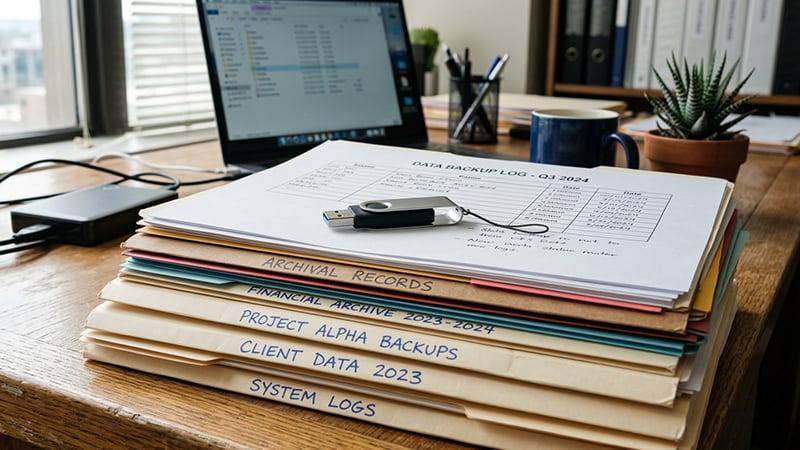
In most industries, especially law, some files are created for reference and compliance, not daily use.
Documents like legal contracts, financial year-end records, and intellectual property documentation are important but they do not need to be accessed daily. USB flash drives provide a simple, safe, offline archival option for these types of files.
Some organizations also use USB flash drives, not as primary storage, but as a secondary backup. This way, if anything happens, either accidental deletion or ransomware of the primary backup, there’s an untouched offline copy available.
That said, and like with all the other cases, it’s important to encrypt your files, and control access to keep your data safe. You should avoid keeping data on the thumb drive for years without reviewing or refreshing it as this can lead to corrupted files or outdated formats.
The Practical Guide: Safety + Buying Checklist for USB in Business
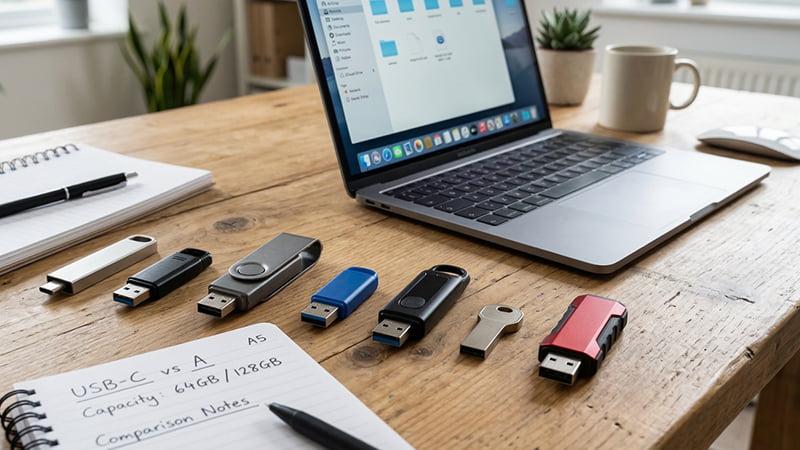
It’s clear USB flash drives are still useful to businesses today. We have to mention, however, that the value and safety depends largely on how you use them and the guidelines you put in place. Poorly controlled USB drives can cause significant risk to your data and operations.
When Should You Not Use USB Flash Drives
Useful as they are, USB flash drives are not a universal solution, and whether or not they are suitable for you depends on your business environment.
Instances when USB drives are not the best solution are when:
- Your organization does not allow removable devices
- You cannot enforce encryption on the device
- Strict audit trails for file access is required
- And, there are no measures for scanning the devices, before and after use
In such cases it’s best to use shared cloud platforms or other solutions that fit your organization’s requirements.
Minimum Safe Controls
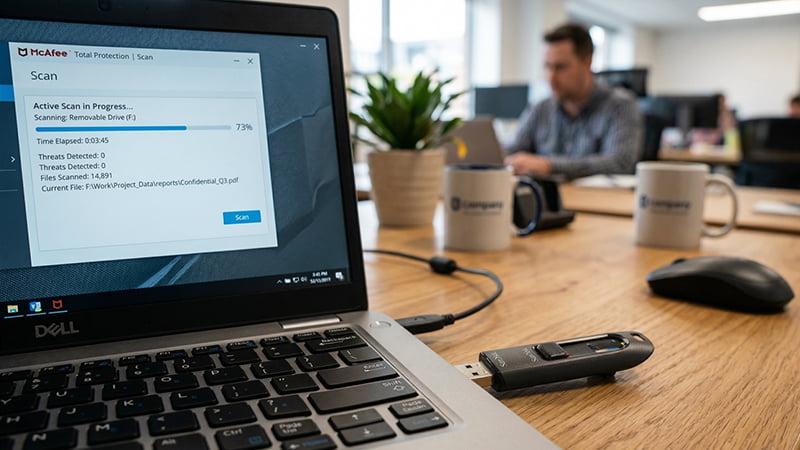
While USB flash drives are generally safe from cyberattacks, they can still be corrupted with malware, unauthorized access, data leakage, and physical damage.
No reason for alarm though, because there are measures you can apply to keep the information safe and useful.
Apply encryption for sensitive information
One of the best features of USB flash drives is how easily portable they are, but sometimes this is a disadvantage. Their small size means they are easily misplaced, and can land on anyone’s hand. Encrypting the drive prevents unauthorized people from accessing the information in it.
Use approved devices only
When buying a flash drive, ensure it’s from a trusted source. Most low budget USB flash drives lack essential data security features, limiting you on how much you can protect your information. Worst of all, some drives are counterfeit or compromised with malware, which can put your data at risk.
Always scan your USB flash drives
Malware is the number one threat to data on USB flash drives. Keep your information safe by installing an anti-virus on your computer, and running a scan on the drive every time you connect it.
Keep an inventory of your removable devices
Have a record of all the removable devices in your organization, who can access them and every time someone uses it. This way, it’s easier to control and prevent threats.
Apply data loss protection measures (DLP)
You can control and restrict data that can be copied to USB flash drives to prevent your confidential files from being transferred.
USB Flash Drives Buyer’s Guide
When picking a USB flash storage, there are a few factors to consider.
1. Type of Connector; USB-A vs USB-C Vs Dual Connectors
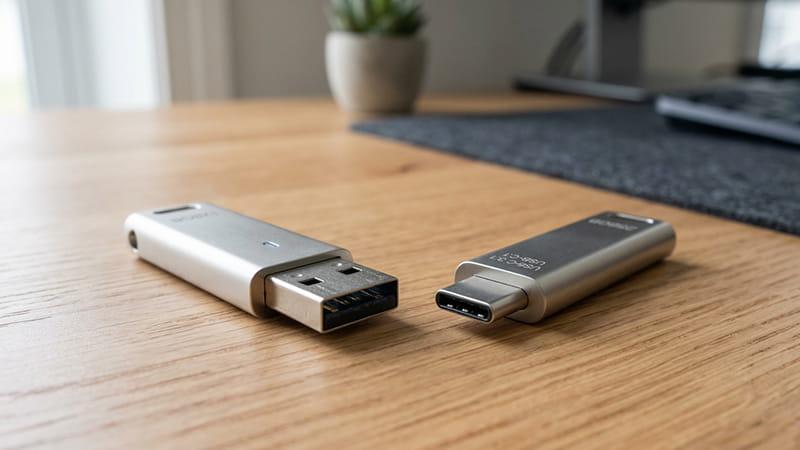
There are three main types of USB connectors: USB-A, USB-C and dual. They have differences in physical build, speed and power delivery, but, the one you pick depends on the machines you have.
USB-A is more compatible with older desktop computers and laptops, while USB-C flash drives work with newer devices that come with USB-C ports. This means most industrial desktops from 2015 are likely compatible with a USB-A while newer laptops from 2024 will accept USB-C. Dual connectors bridge both environments without needing an adapter.
In terms of performance, USB-C supports newer standards, including USB 3.1, 3.2 or Thunderbolt, making it typically faster than USB-A which run on USB 2.0 or 3.0.
Some older devices may also still use micro USB connectors, so it’s important to check compatibility before purchasing.
2. Capacity Vs Use Case
The size of files you transfer or store regularly will determine the capacity you choose. If you often transfer large video files, renderings, or training resources, you should go for 64 GB or 128 GB.
For even larger capacities, an external hard drive or USB hard drive may be more suitable, as these devices offer larger capacities and are ideal for backing up extensive data collections
However, a 16 or 32 GB flash drive can suffice for light daily use, like in the office or for studying.
3. Hardware Encryption or No Encryption
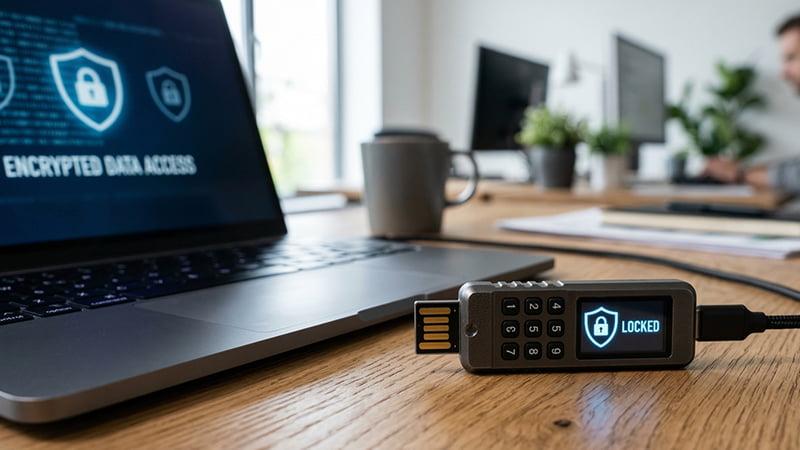
USB drives allow two types of encryption; hardware encryption and software encryption.
Hardware encryption is a security feature that allows you to set a PIN or password on the USB interface directly. It does not rely on any programs from the host computer.
On the other hand, software encryption relies on the host device, requiring you to install a program on the host computer for you to encrypt the drive.
Hardware encryptions are more robust and less susceptible to breakage. That said, the sensitivity of your data will determine the type of encryption. Is your data highly sensitive? Then go for hardware encrypted. Otherwise, a software encryption can do.
4. Transfer Speed
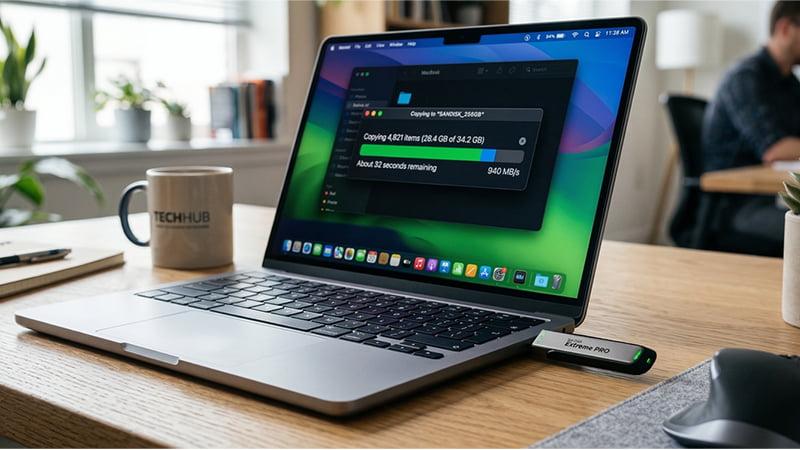
How fast or slow can you transfer data using these drives? It’s the USB version that will determine it. USB 2.0 is suitable for small file transfers and data storage while USB 3.2 is better for transfers of larger files that require higher speed, e.g. videos.
5. USB Build & Durability
It’s important to purchase sturdy, reinforced USB connectors and housing to reduce breakage. This is especially vital if the thumb drive will be handled frequently.
Most well-built USB drives have strong metal or reinforced casing and their connectors are well-built, not wobbly. If you want an even stronger option, then pick ones with dust-resistance, water resistance and shock resistance to withstand daily use.
6. File System Format
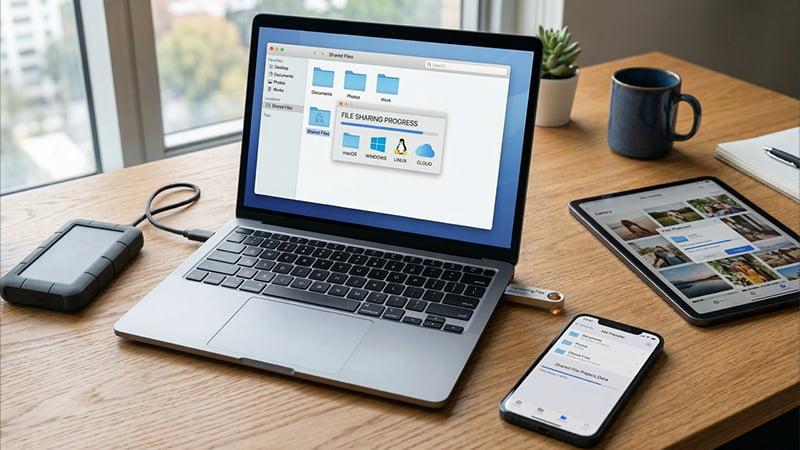
File system format refers to how files are accessed, stored, and shared across different devices. FAT32, NTFS, and exFAT are some of the file system formats for USB flash drives.
FAT32 is compatible with most devices, including older operating systems. However, the maximum single file size it can allow is 4GB, meaning it’s not the best for videos and other large files. This file format is ideal for day-to-day office work and personal files.
NTFS, on the other hand, is suitable for industries that store or transfer large files as it has high capacity and allows encryption and permissions. NTFS, is, however, built for Windows devices and may require additional tools to work on Mac operating systems.
The last file system format is exFAT, a very flexible option. It works across Windows systems and Apple devices, making it a suitable option for industries like marketing agencies, which move files across different OSs.
USB Flash Drive Use Cases and Alternatives in Business
Here is a side-by-side use case comparison of USB drives in business and better alternatives if necessary
| Business Scenario | Recommended USB Features | Best Alternative (if USB isn’t allowed) |
| Secure offline handoff | Hardware encryption + approved device | Managed secure file share |
| Industrial/OT transfer | Rugged build + controlled process | Approved transfer station |
| Press kit / B2B outreach | Dual connector + clear file structure | Private link + gated landing page |
| IT recovery | Bootable + labeled versioning | Network recovery tools (if available) |
Bottomline: Are USB Flash Drives Still Relevant in Business?
Yes. While cloud storage continues to grow, USB flash drives still remain essential. These portable storage devices offer offline security, premium marketing options, and a reliability most internet-dependent options cannot guarantee.
Used and governed responsibly, USB flash drives can be a dependable tool for any business.
Looking for an Approved USB Flash Drive for Your Business?
Tomas Crafts is here to help. Simply request a quote, letting us know your type of business, the machines you currently use and how you intend to use your flash drive, then we’ll advise appropriately.
FAQs
Q1: Are flash drives still used in business today?
Yes, flash drives are still used in businesses, especially in environments that need security and reliability more than convenience. They are also useful in marketing to high-end customers and in data preservation.
Q2: What’s the difference between a flash drive and a thumb drive?
They refer to the same device, the difference is only in the terminology. The name “flash drive” comes from “NAND flash memory“, which is the kind of memory used in most flash drives. “Thumb drive”, on the other hand, is an informal name, from the thumb-like design and size of some flash drives.
Q3: Is it safe to use USB flash drives at work?
Yes, USB flash drives are among the most secure and reliable storage drives, because they stay offline, hence not vulnerable to online attacks. However, risks of malware arise when poorly managed. But if you only use approved devices, scan your device before and after use, encrypt sensitive data and track the USB flash drives your business has, then you have no reason to worry.
Q4: Do USB flash drives degrade over time?
Yes. Like most flash memory, USB drives also have a limited number of write cycles and they can degrade with heavy use or long-term storage. Maintain periodic test of critical drives, refresh stored data and replace devices if they start showing signs of wear.